
Choose what it can see
Enable observation to share the active app and its visible controls. You can also turn on screen understanding for snapshots of the active window.
Available on Windows
Ask for help with the app in front of you. Get a walkthrough, use your voice to open programs, and save the steps you’ll want next time.
Windows 10 or 11 · 64-bit PC
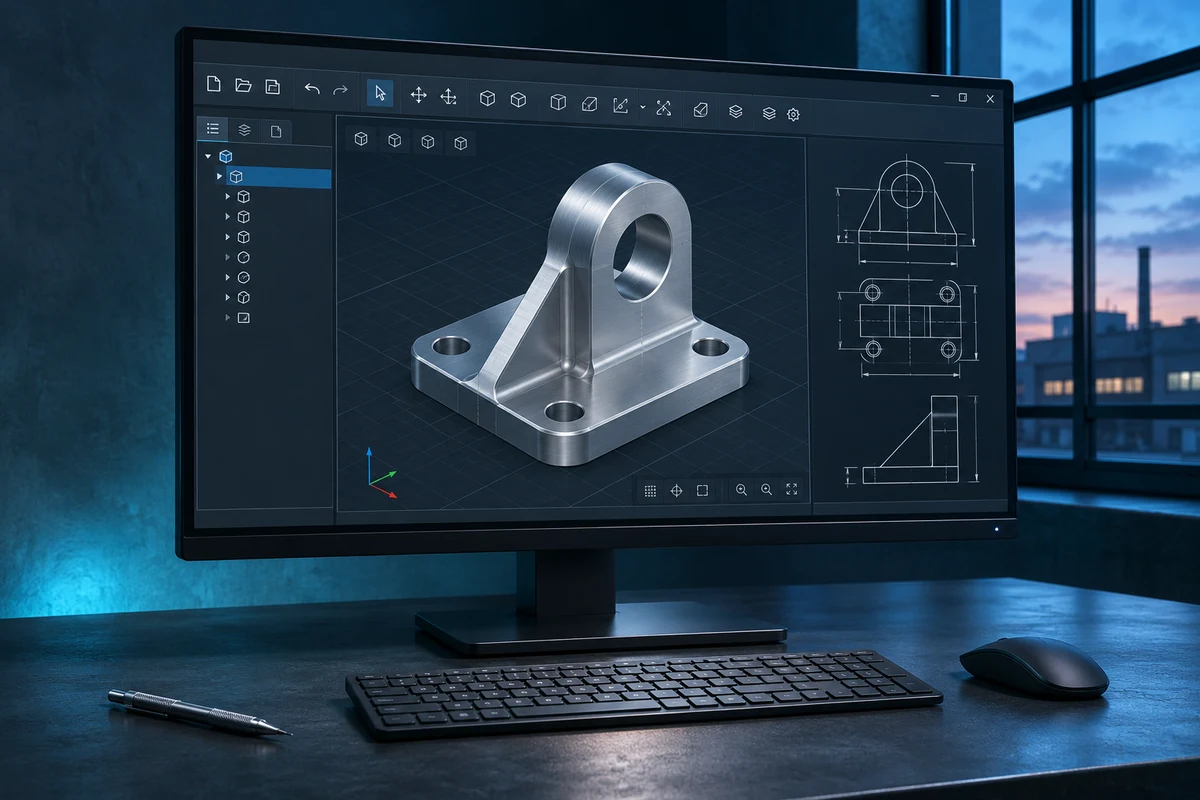
“How do I extrude this face?”
How LIVEGUIDE learns
Enable observation to share the active app and its visible controls. You can also turn on screen understanding for snapshots of the active window.
Ask how to extrude a face in your CAD tool, or say “Open Fusion 360.” LIVEGUIDE can guide you through a task or open a matching installed program.
Teach the steps of a task you do often, then review and save the routine so you can follow it again later.
Where you can use it
Install the desktop assistant for voice commands, step-by-step guidance, and workflow learning while you use Windows software.
Get the Windows appThe planned companion will let you ask questions and look up routines learned on your PC. You’ll choose which screenshots or photos to share.
Server-side processing is planned to give supported devices another place to run AI requests. The current Windows release uses Ollama on your PC.
Privacy & permissions
Observation starts paused each time you launch the Windows app. Turn it on when you want help with the work in front of you.
Windows download
Run the installer, then open Settings → Local AI setup to connect Ollama and configure your choices.
Version 0.2.3 · Windows x64 · 98 MB